Your Deliveries, One Click Away.
Request a pickup, check a job or reach dispatch directly. Everything your team needs to keep critical shipments moving.

Your Client Tools

Place an Order
Use your assigned client portal to create a delivery request.
Portal Access ↗
Track a Delivery
Access shipment updates in your assigned client portal.
Portal Access ↗
Proof of Delivery
Retrieve available delivery documents from your account.
Portal Access ↗
Manage Profile
Use your account tools to review profile information.
Portal Access ↗
Request a Quote
Tell us what needs to move using our existing quote page.
Request a Quote ↗Statement Request
Ask the account team for a statement for your chosen period.
Request a Statement ↗Client Portal Access
Your Account’s Xcelerator Link
Use the portal link provided for your account. If you need your sign-in link or access assistance, contact dispatch with your company name and account reference.
How It Works
Place an Order
Provide pickup, delivery and handling details.
Confirm the Pickup
Dispatch reviews the shipment and pickup commitment.
Follow the Delivery
Use your account tools for available updates.
Access Your Records
Review delivery documents and account history.
Stay Close to Your Delivery.
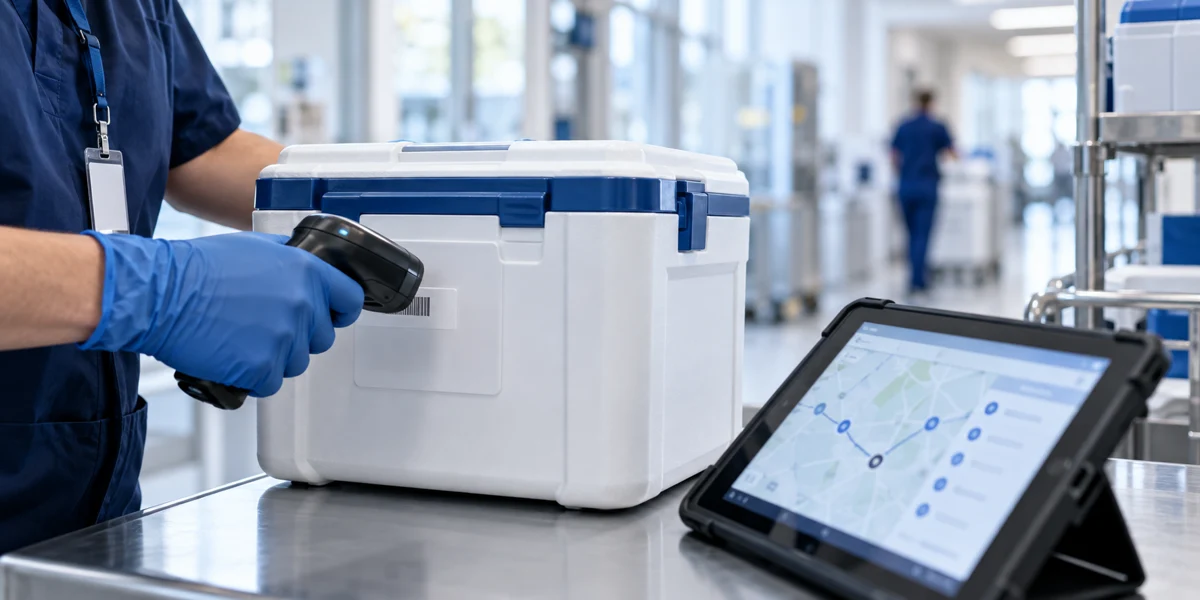
Keep the pickup details, receiving contact and shipment reference together. Your account tools and live dispatch help you follow the delivery.
- Shipment references and handling instructions
- Available delivery updates
- Proof of delivery and shipment records
Your Questions,
Answered
How Do I Access My Portal?
Use your account’s assigned portal link, or request access assistance from dispatch.
Where Can I Find Delivery Documents?
Check your assigned client portal for available proof of delivery and shipment records. Contact the team if you need help.
How Do I Request an Account Statement?
Open Request a Statement from your client tools, then review and send the email draft.
What If My Delivery Changes Urgently?
Call (410) 850-8994 so dispatch can review the active shipment with you.


